
Google Play Store PC
Google Play is Google's digital distribution platform. On Windows, Google offers Play content through the browser and Google Play Games on PC.
52.9 MB
CrystalDiskInfo is a free, open-source Windows utility that reads information from hard drives and SSDs and shows their health status.
Average 0.0 · ratings: 0
Thank you! Your rating is saved; you can change it. Could not save the rating. Please try again later. Too many ratings from your network today. Please try again tomorrow. The average appears after 5 ratings.
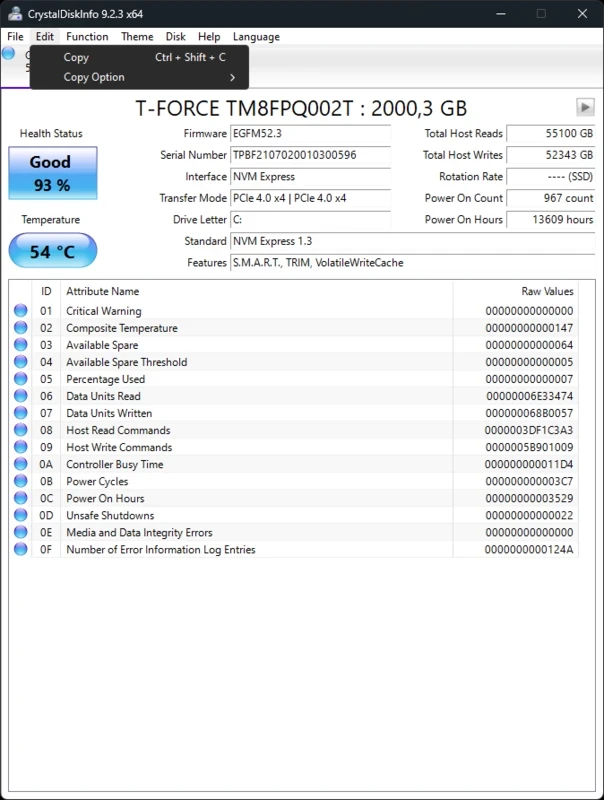
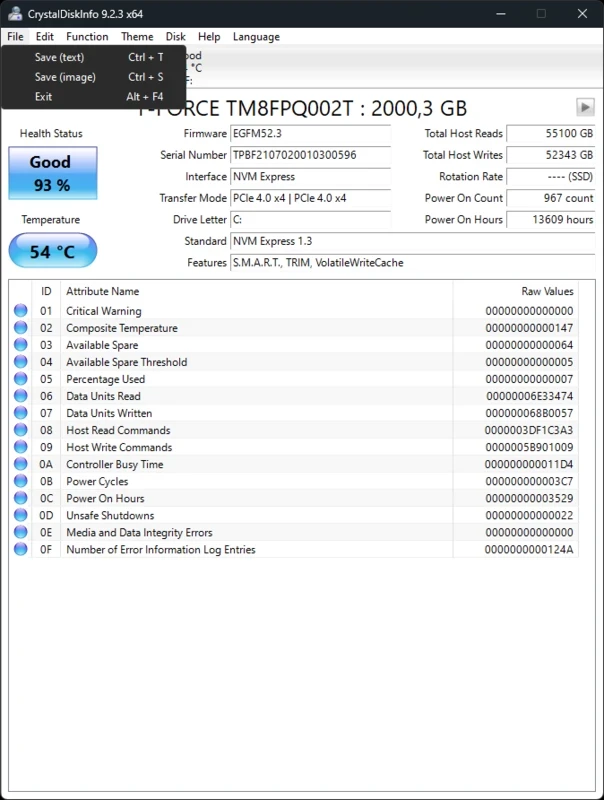
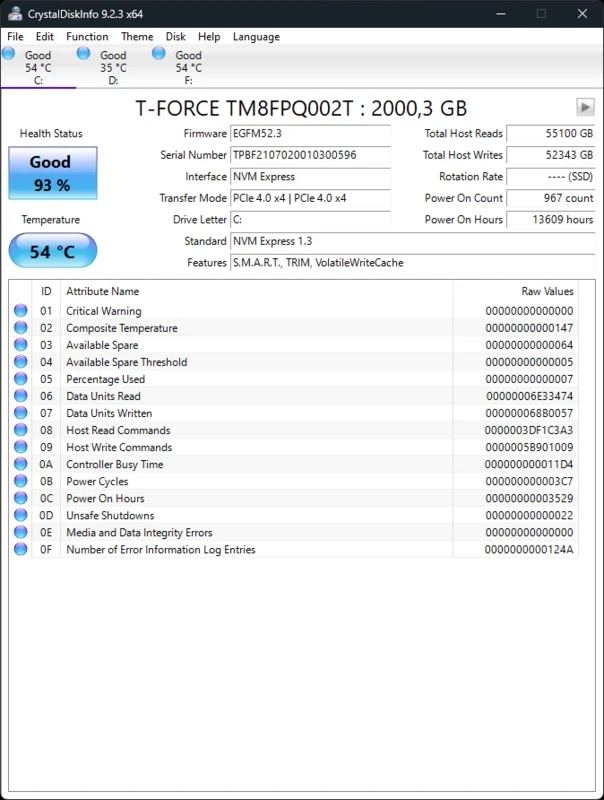
CrystalDiskInfo 9.9.2 is a free disk drive information utility for Windows. It reads the data that hard drives and SSDs report about themselves and turns it into a clear health status, and you can download CrystalDiskInfo from the official website crystalmark.info or its GitHub repository.
Drives rarely fail without warning. Most of them keep an internal log of errors, reallocated sectors, working hours and temperature, and a steady change in those values is often an early sign that a disk is wearing out. Windows itself does not show this information in a friendly way, which is where CrystalDiskInfo helps. It lists every connected drive, gives each an overall health status, and shows the raw attributes for people who want to look deeper. That makes it useful after buying a used laptop, before trusting an old disk with backups, when a PC suddenly becomes slow or when a drive makes unusual noises. It is also handy for a quick look at SSD temperature in a small case. The program has been developed since 2008, and new versions still appear regularly, as the history page on the official site shows.
A good status means the drive reports no problems. A warning means some values have changed, for example there are reallocated or pending sectors; it is time to back up important files and watch the disk. A critical status means you should copy your data immediately and plan a replacement. A single check is a snapshot: compare values over weeks to see a trend. USB enclosures sometimes hide drive data, so connect a disk directly if the program shows nothing.
CrystalDiskInfo is free and open source under the MIT License; the code is on GitHub. It only reads information and does not change the drive. Download it from crystalmark.info or GitHub, not from repackaged installers on other sites. Details of every release are listed in the version history.
For deeper surface tests, our listings include Victoria HDD/SSD; for processor and memory details, CPU-Z; for recovering deleted files, DiskDigger.
Google Play is Google's digital distribution platform. On Windows, Google offers Play content through the browser and Google Play Games on PC.

Media Creation Tool is a free Microsoft utility that downloads Windows and turns it into a bootable USB flash drive or an ISO file.

LDPlayer is an Android emulator for Windows that runs mobile apps and games on a computer.

BlueStacks is an Android emulator for Windows that lets you run Android apps and games on your PC.
Rufus is a free Windows utility that turns a USB stick into a bootable installer. The current version is 4.15.

PC App Store is a free software store for Windows from Baidu for finding, installing and updating PC programs. This page covers version 5.0.1.8682.

Uptodown App Store for Windows is the desktop client of Uptodown, a marketplace for desktop software and mobile apps. This page covers version 1.0.3.

NoxPlayer is a free Android emulator from Bignox for Windows and macOS that runs mobile games and apps on a computer with keyboard and mouse control.